Is there an app or plug-in for LibreOffice Writer that can OCR convert a image PDF to editable text?
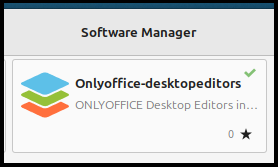
Hi @Ordy. I found that OnlyOffice is more stable and robust than LibreOffice. A friend regularly imports PDFs into OnlyOffice for minor editing.
Turns out OO actually does do OCR work, but I haven’t used it.
For scanning, OCR conversion, editing, etc., I have chosen to use PDF Studio Pro because of its greater functionality.
I’m pleased both with the software and with the company’s tech support.
LibreOffice Writer doesn’t have built-in OCR, so it can’t directly convert scanned PDFs or images into editable text. On Linux Mint, the usual workaround is to use an external OCR tool like Tesseract, gscan2pdf, or OCRFeeder, then open or paste the extracted text into Writer. If you want OCR integrated while opening PDFs, OnlyOffice is also worth trying, as it handles OCR during import better than LibreOffice.